
Photo & Video Editor
Download

VN Video Editing 101

Master the fundamentals of video editing. From trimming and transitions to project sharing, these basic features provide everything you need to start creating amazing videos.

Video Editing

Select one video track to edit.

Drag the handle to trim video.

Zoom in the timeline for more precise editing.

Zoom out to preview the entire timeline.

Long press a video clip to swap.

Add Video Clips

Tap the [+] to add video clips.
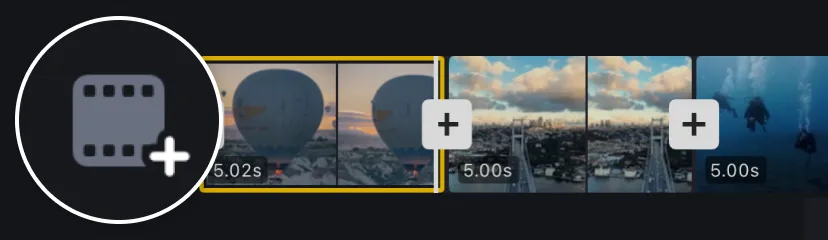
Tap the + to add video clips

Move to the end and Tap the [+] to add an outro clip.
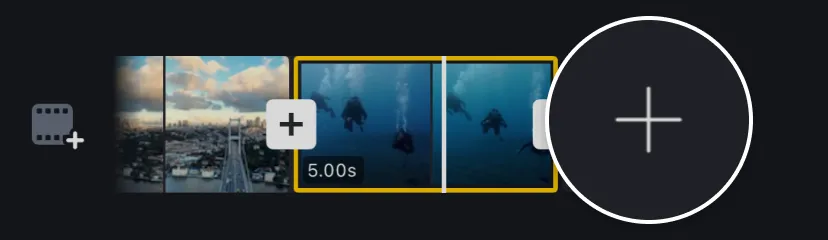
Move to the end and Tap the + to add an outro clip

Trim Videos Precisely

Multiple scales, support precise video trimming to the frame.

Split and Adjust Video Clip Duration

Move the timeline to the split point and Tap [Split].

Select the video clip and Tap the [Trim] to set the clip duration.

Multiple Recordings

Easily add or delete multiple recordings at any point on the timeline.

Change Video Ratio

1. Tap on the aspect ratio at the top of the editor interface.
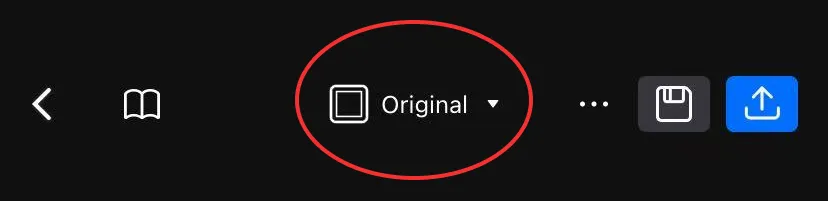
Tap on the aspect ratio at the top of the editor interface

2. Select the most suitable ratio for your video.
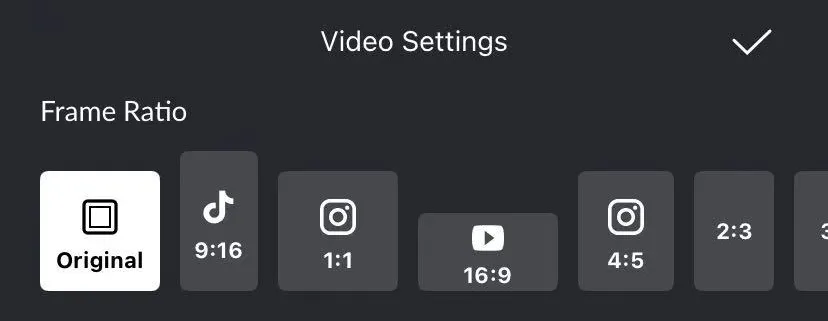
Select the most suitable ratio for your video

Replace BG-Image/Color

1. Select the clip on the main track and tap [BG].

Select the clip on the main track and tap BG

2. Select the clip on the main track and tap [BG].

Select the clip on the main track and tap BG

Create a unique atmosphere by changing the background.