





Getting Started
7 articlesArticles in Getting Started

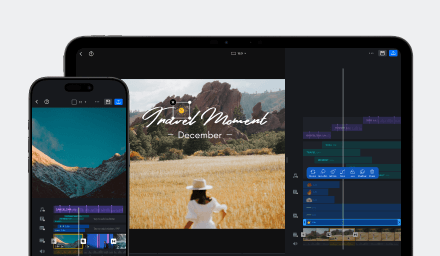
VN Video Editing 101
Learn about basic video editing for your first video in VN Video Editor.
Video Effect & Transitions
Learn how to add video transitions, apply effects like mosaic and magnifier, blur videos, reverse playback, and apply effects to all clips in bulk.
Export Settings
Lean how to configure export settings including resolution, FPS, and audio.
Import Assets
Learn how to import custom stickers, music tracks, fonts, and SRT subtitle files into VN Video Editor.
VN Project Sharing
Learn how to share, protect, transfer, and import VN project files across supported devices.
Audio
Learn how to edit/adjust audio, make recordings, detach audio track, extract audio from videos/files, and add music beats to your projects.
Image & Clip Adjustment
Learn how to adjust images and clips in VN.
Still need help?
Can't find what you're looking for? Contact VN support.