



Help Center
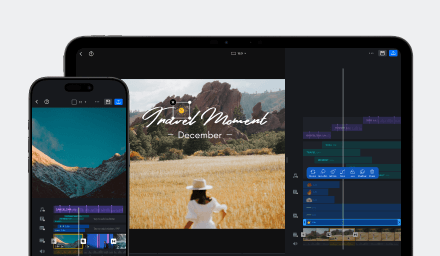
Everything you need to edit videos, apply effects, use templates, and troubleshoot VN questions.
Getting Started
Start here: learn the basics of VN video editing and get your first project running.
Browse by Category
Explore VN's full feature library organized by category.

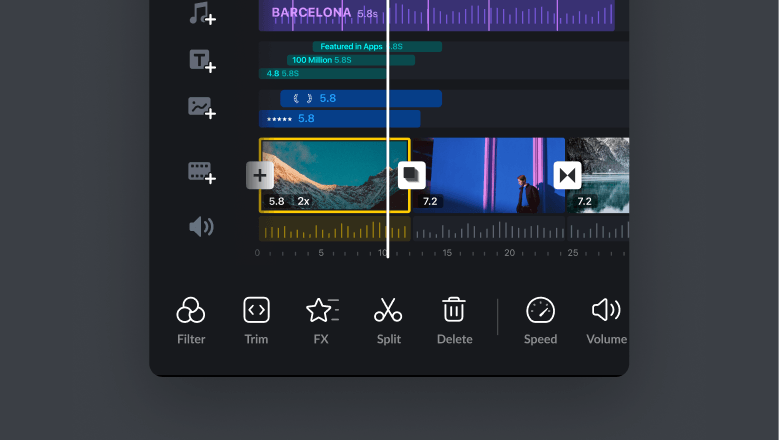
Basics for creating, editing, exporting, and sharing your first video.

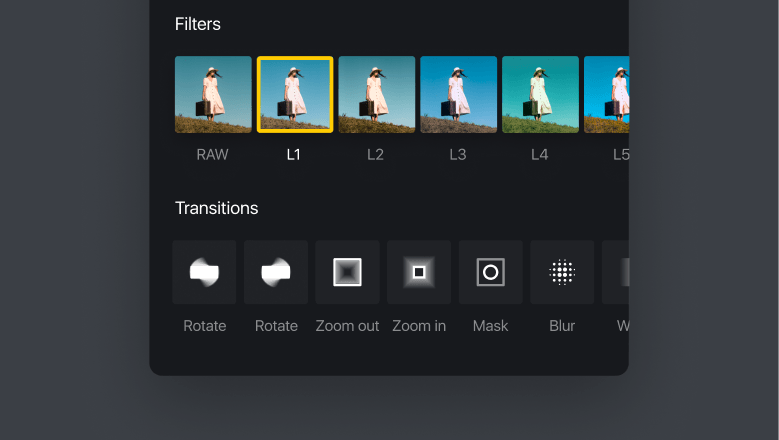
Tools for captions, effects, motion, filters, cutout, masking, chroma key, and more expressive edits.

Sync your video clips to music beats — manually or with auto beat detection.

Download, use, create, and share VN video templates with other creators.

Project sharing, VN Code, photo cutout, background replacement, and more features.
Popular guides
Most viewed tutorials to help you get the most out of VN.
Use VN Without an Internet Connection
Learn which VN tools work without internet, how local processing supports privacy, and how to prepare templates, music, and Elements before going offline.
Tips for Creating Better VN Templates
Learn how to choose the right creation workflow, prepare replaceable media, and build VN templates that are easy for others to use.
Add Music Beats
Learn how to add music beats to the music track in your project.
Keyframe Editing
Learn how to use keyframes to adjust audio, animate materials, and create smoother transitions and motion effects in your videos.
VN Video Editing 101
Learn about basic video editing for your first video in VN Video Editor.
Still need help?
Can't find what you're looking for? Contact VN support.