




Social Media Creators
Add motion to text, stickers, and clips to create eye-catching content that stands out on TikTok, Reels, and Shorts.
Add keyframes to control position, scale, opacity, and more over time. Create smooth animations and bring your visuals to life with precise, frame-level adjustments.
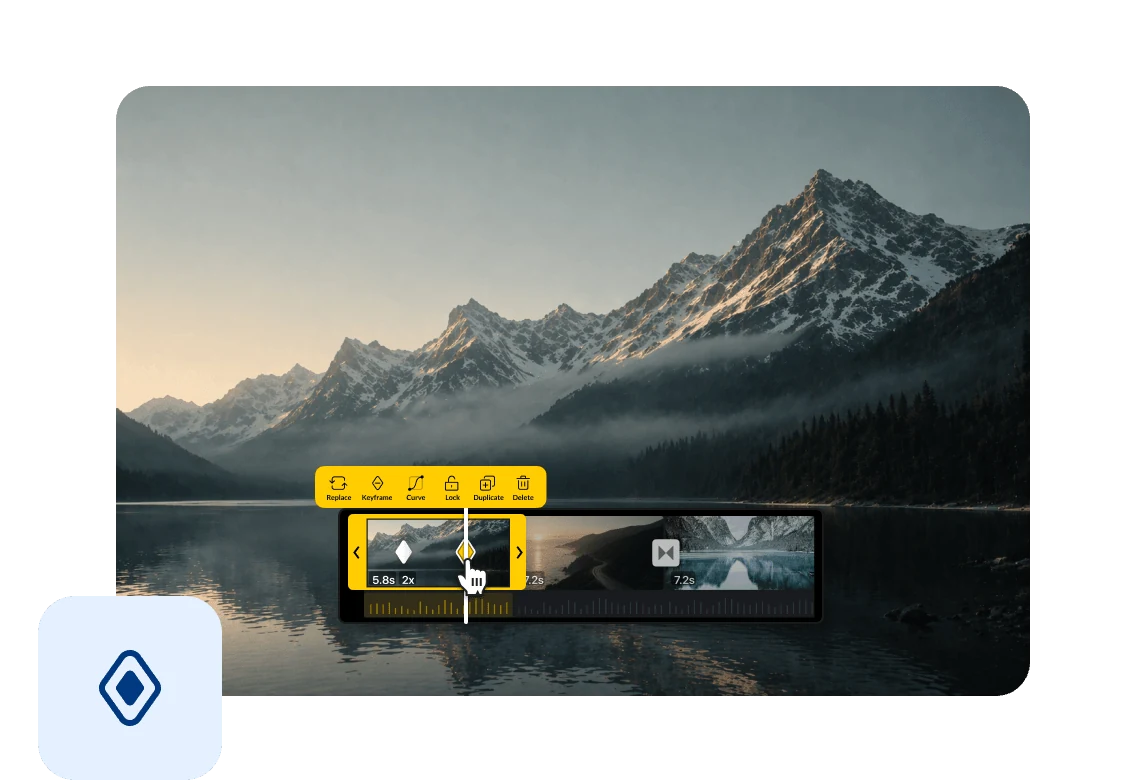
Adjust keyframes with frame-level accuracy to control exactly when changes happen. Ideal for syncing motion with music, beats, or actions.
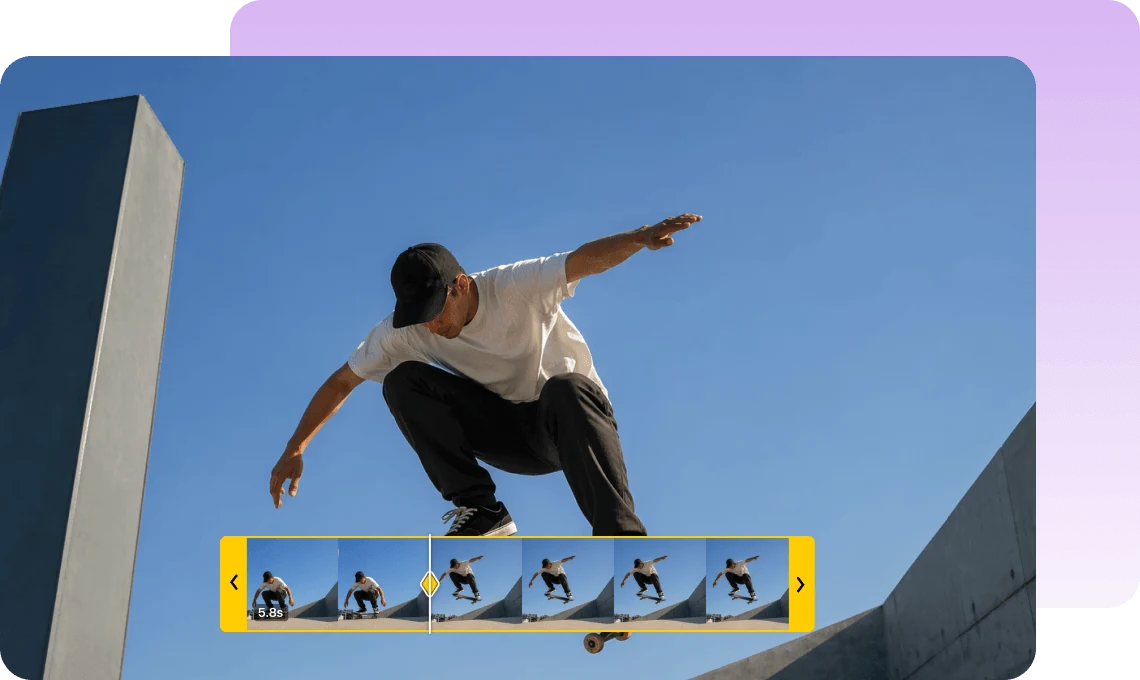
Add keyframes to videos, images, text, and audio to create dynamic motion across your project.
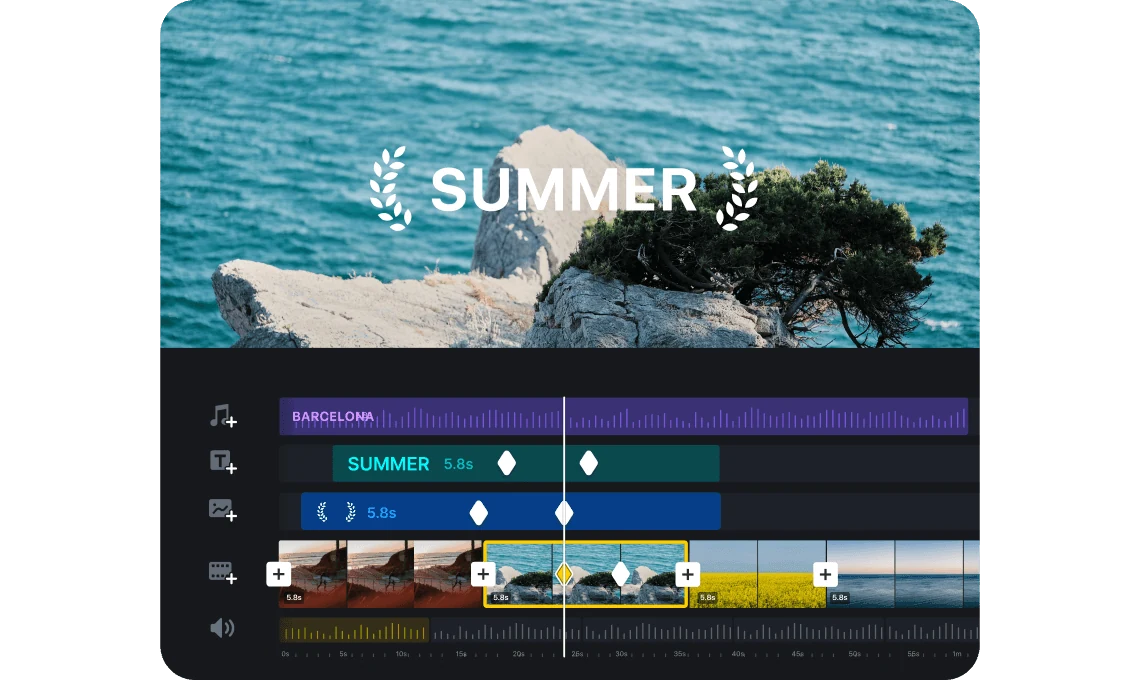
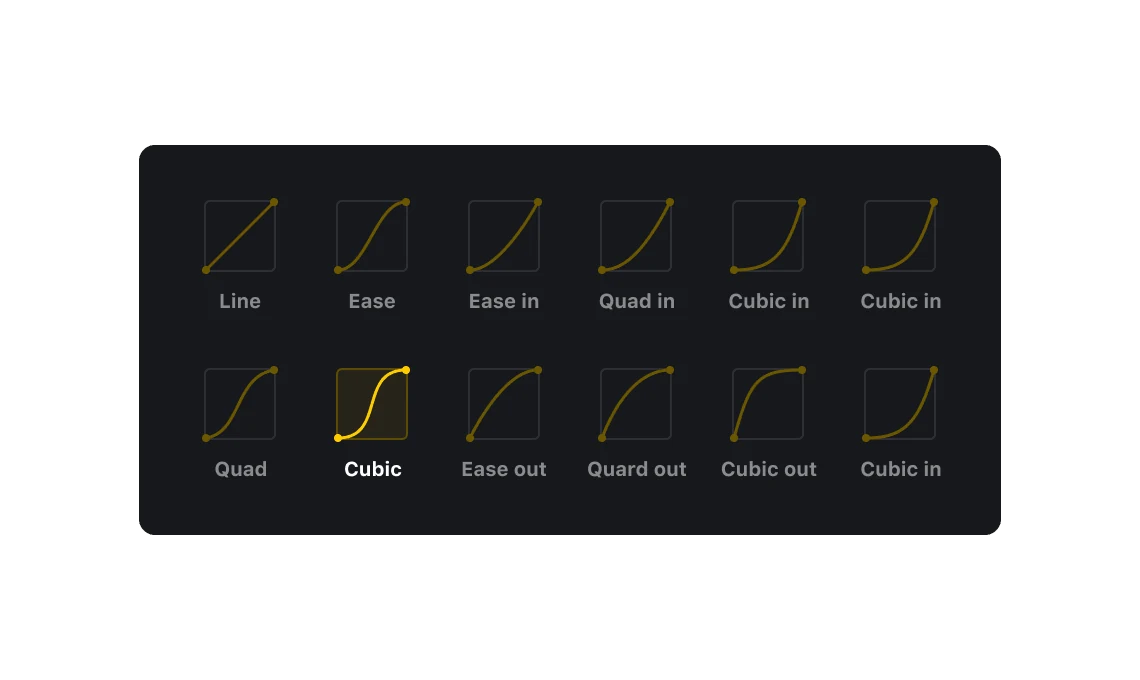
Add and adjust keyframes on the timeline, and fine-tune motion with custom easing curves to control speed, acceleration, and timing.
Add motion to text, stickers, and clips to create eye-catching content that stands out on TikTok, Reels, and Shorts.

Use keyframes to highlight important content, guide viewer attention, and make tutorials clearer and more engaging.

Create smooth motion for product demos and promotional videos to achieve a more professional and dynamic visual style.
Everything you need to know about VN's Keyframe Control feature.
Keyframe Control lets you define how properties change over time by setting key points on the timeline. You can animate position, scale, rotation, opacity, and more.
Add keyframes at different points on the timeline and adjust properties like position, scale, or opacity. VN will automatically create smooth transitions between those changes.
You can animate a wide range of properties, including position, scale, rotation, opacity, and other visual effects to create dynamic motion.
Yes. VN supports frame-level precision, allowing you to fine-tune each keyframe for accurate and smooth motion.
Yes. Keyframe Control is a core editing feature in VN and is completely free to use with no watermark.
Enhance image resolution for sharper visuals.
Generate subtitles in multiple languages instantly.
Remove backgrounds automatically with AI.
Enhance, transform, or create images with AI.
Auto-sync cuts to music beats for perfect timing.
Turn black-and-white images into realistic color.


