
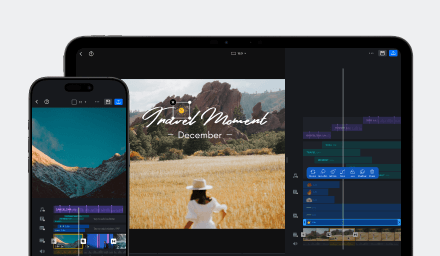



Features
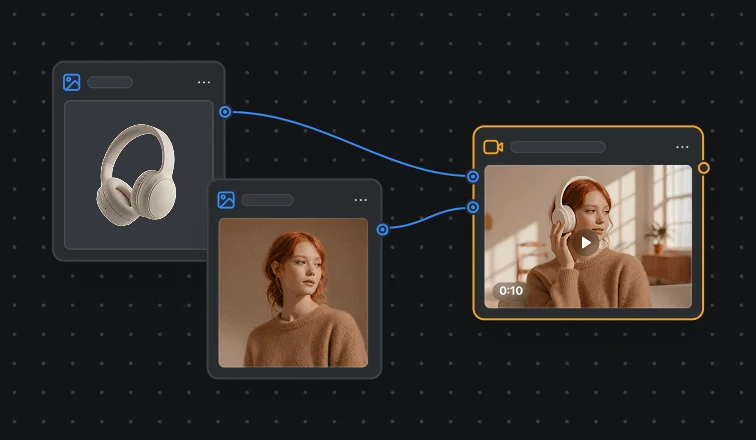
CawCut
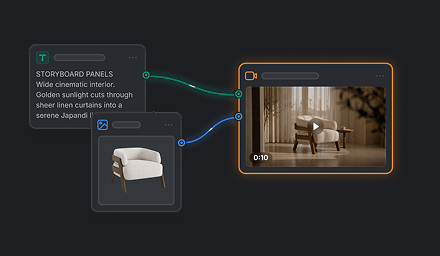
CawCut is a creative workflow tool that helps you turn ideas into structured, automated, and reusable processes for content creation, editing, and production.
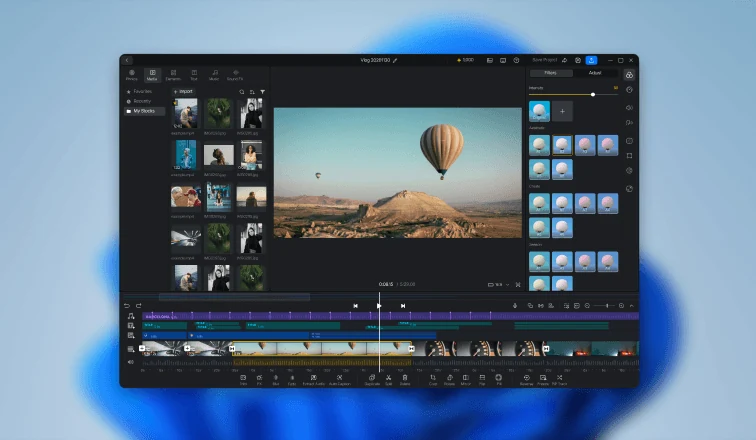
VN for PC
VN for PC brings a powerful desktop editing experience with multi-track timelines, responsive playback, and precise desktop controls — built for creators on Windows.
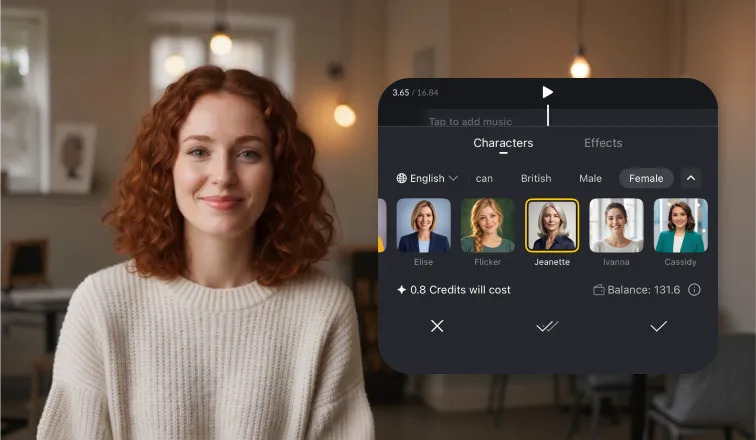
Character Voice Switch
Give your video a new voice with Characters in VN Voice Switch. Explore expressive AI voices in multiple languages.

Create Viral Effect Video in 10 Minutes
Turn real footage into a special effect video with CawCut and VN that cost less than a drink.
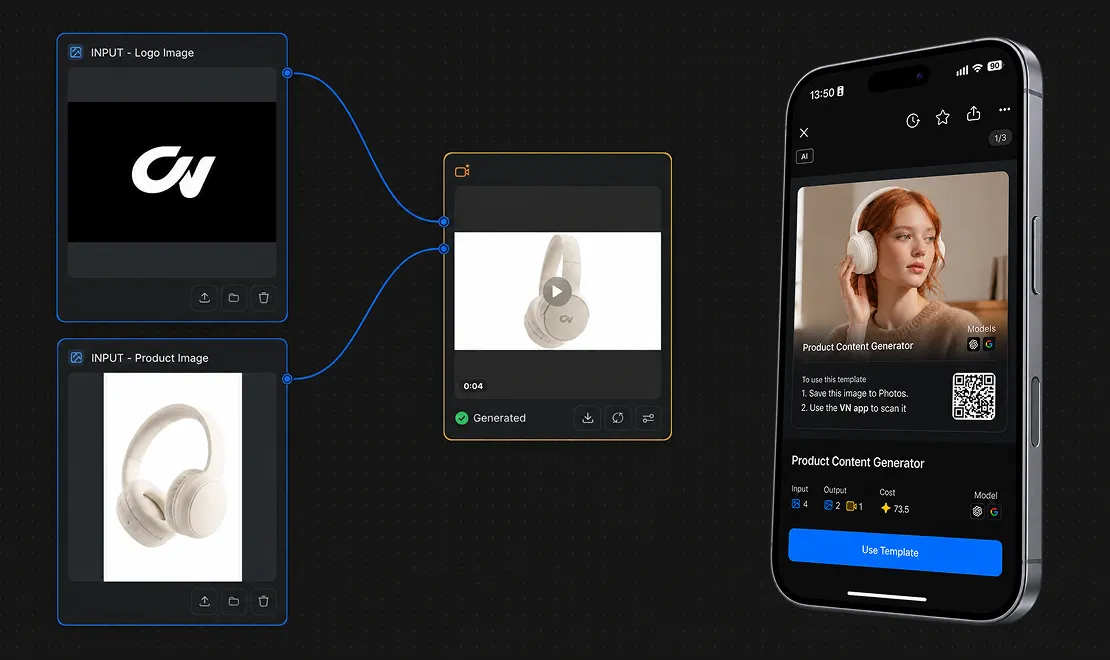
CawCut to VN Templates
Build a custom AI workflow in CawCut, turn it into a guided VN Template, and share it by VN code for others to use in VN.
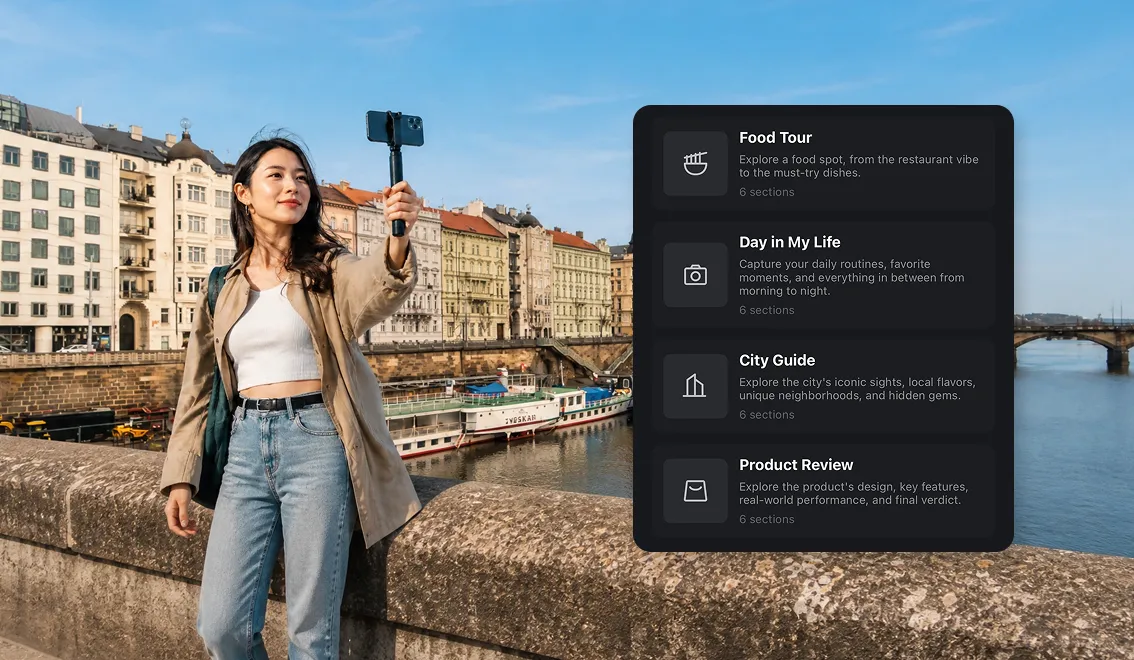
Stories
Plan videos in sections, organize clips and descriptions, and turn your Story into an editable VN project.
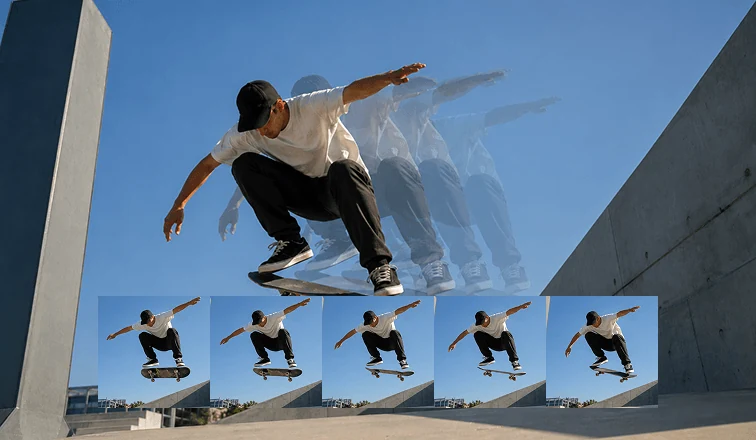
Frame Interpolation
Boost video smoothness with frame interpolation. Insert intermediate frames, increase FPS, eliminate motion stutter, and create smoother visuals in seconds — fast, simple, and easy to use.
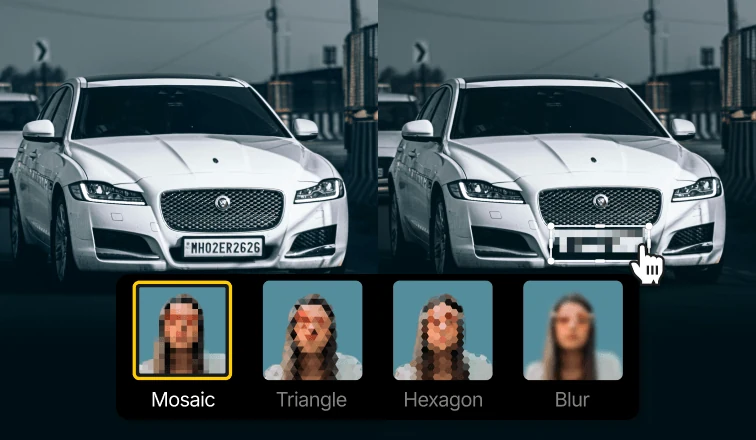
Mosaic
Apply mosaic and blur effects to protect privacy or create stylized visuals. Choose from multiple shapes and adjust size with precision.
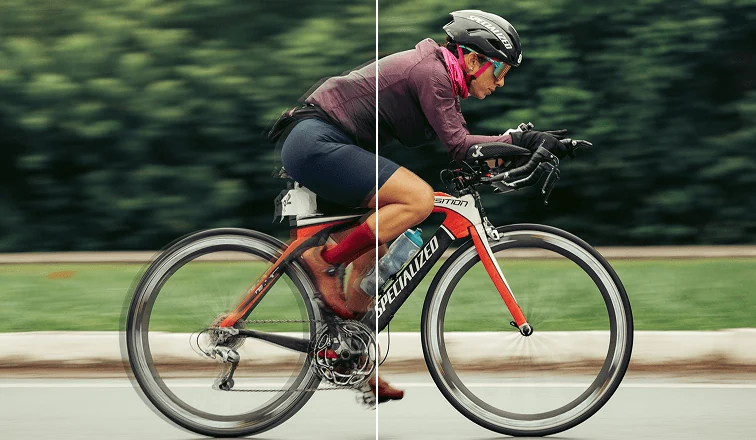
Video Stabilizer
Stabilize shaky footage in VN with adjustable strength controls that balance smoother motion and frame cropping.
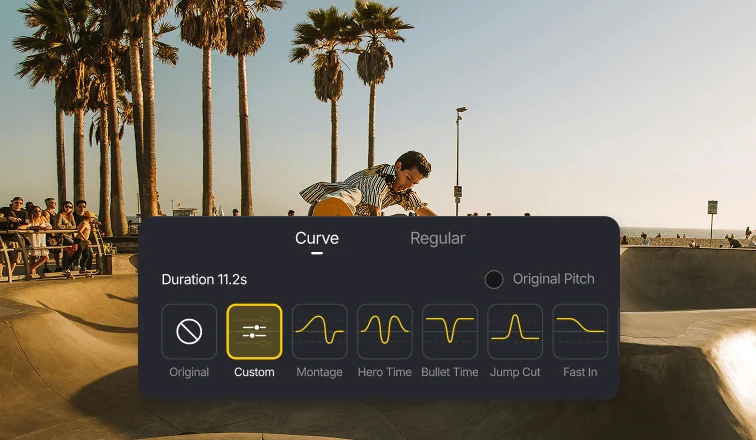
Speed Curves
Shape your video speed with precision using curves. Use presets or customize timing for smooth, dynamic motion.
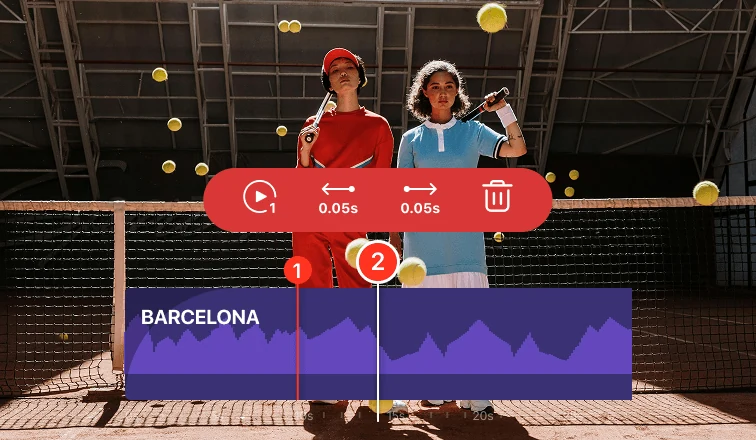
BeatsClips
Turn your clips into beat-synced edits in seconds. Mark beats, match clips, and create dynamic videos with ease.
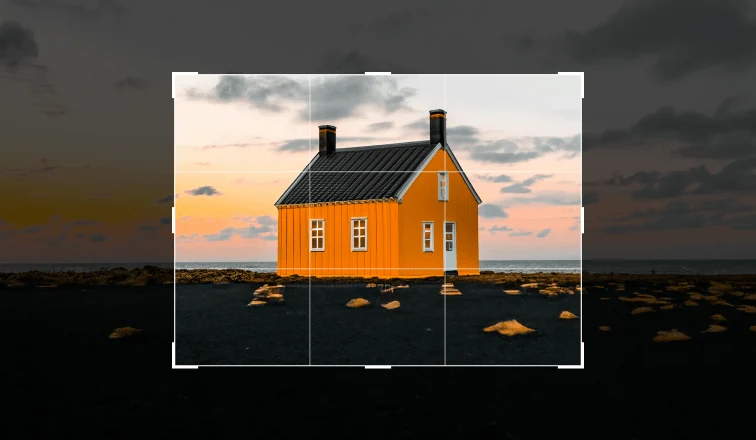
Crop
Crop, resize, and transform your videos with precision. Choose from multiple aspect ratios, reframe your shots, and flip or rotate clips — all in seconds.
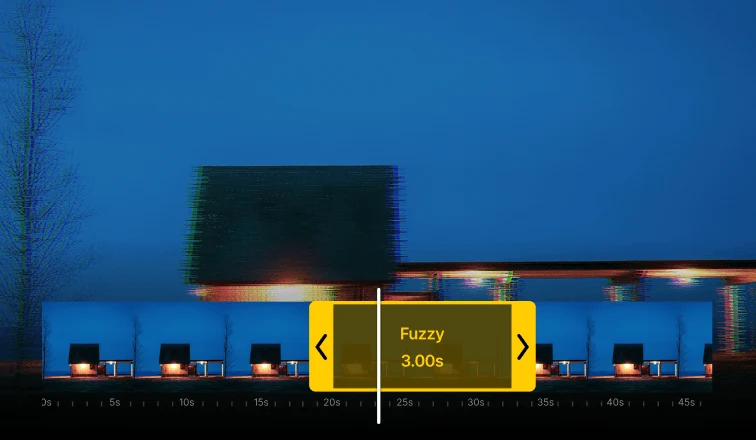
Motion FX
Bring your videos to life with Motion FX. Apply dynamic motion effects instantly and fine-tune their timing, position, and intensity to match your edits perfectly.
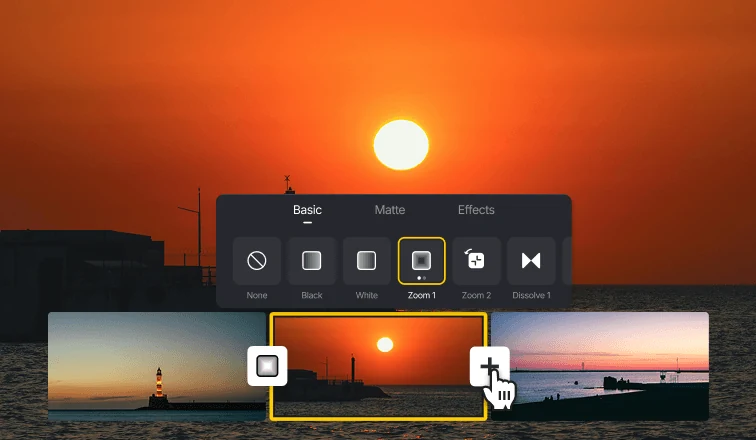
Transitions
Create smooth, cinematic transitions that bring your videos to life. Choose from a wide range of styles or use AI-powered transitions to generate perfectly timed edits in seconds.
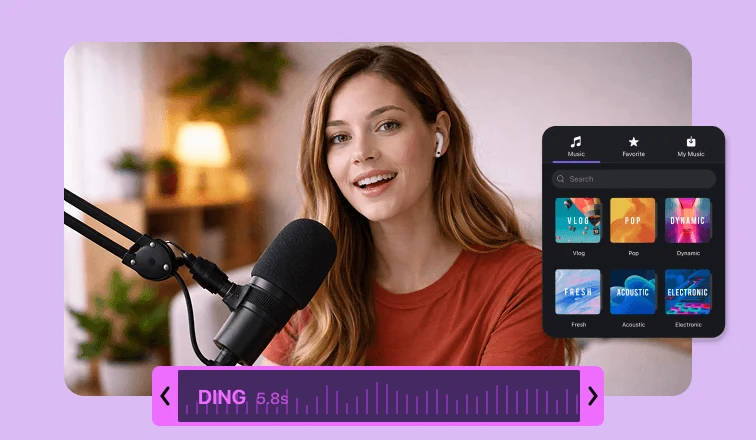
Music & Sound FX
Bring your videos to life with music and sound effects. Explore a rich audio library, import your own tracks, or record directly to create immersive and engaging videos.