





Social Media Creators
Blur faces or backgrounds for TikTok, Reels, and Shorts. Protect privacy while keeping your visuals clean.
Apply mosaic and blur effects to protect privacy or create stylized visuals. Choose from multiple shapes and adjust size with precision.
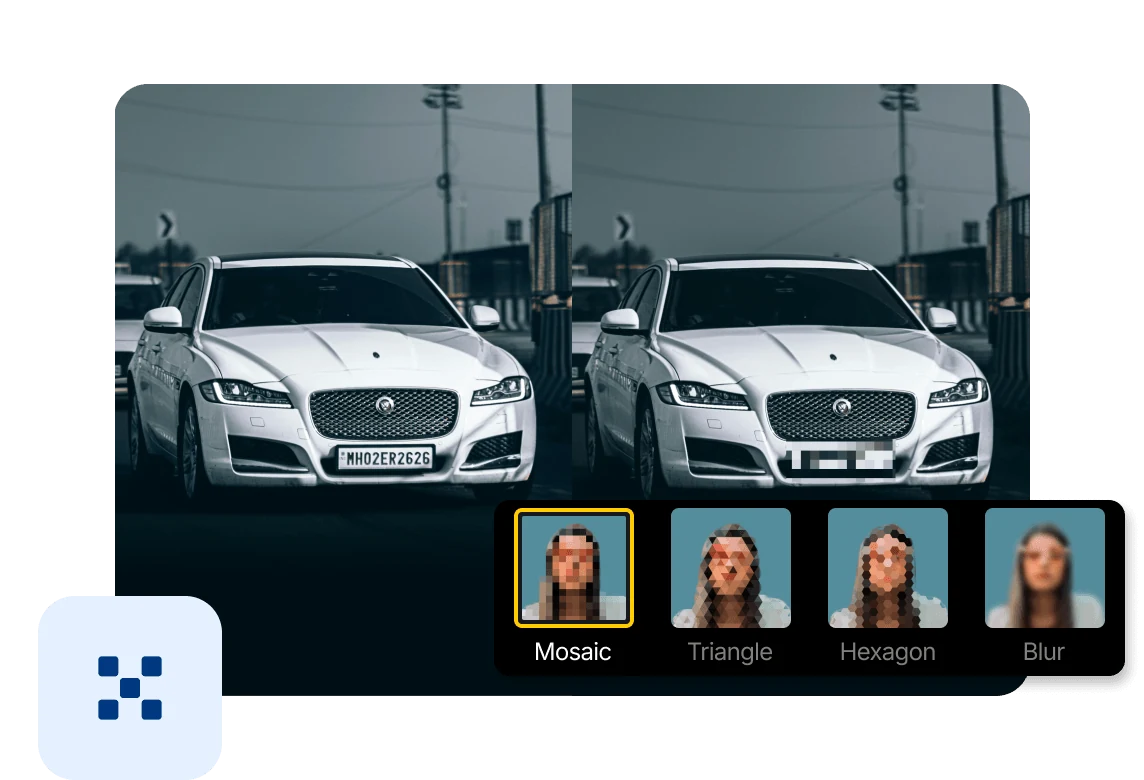
Blur faces, backgrounds, or sensitive details to protect privacy and keep your visuals clean and focused.
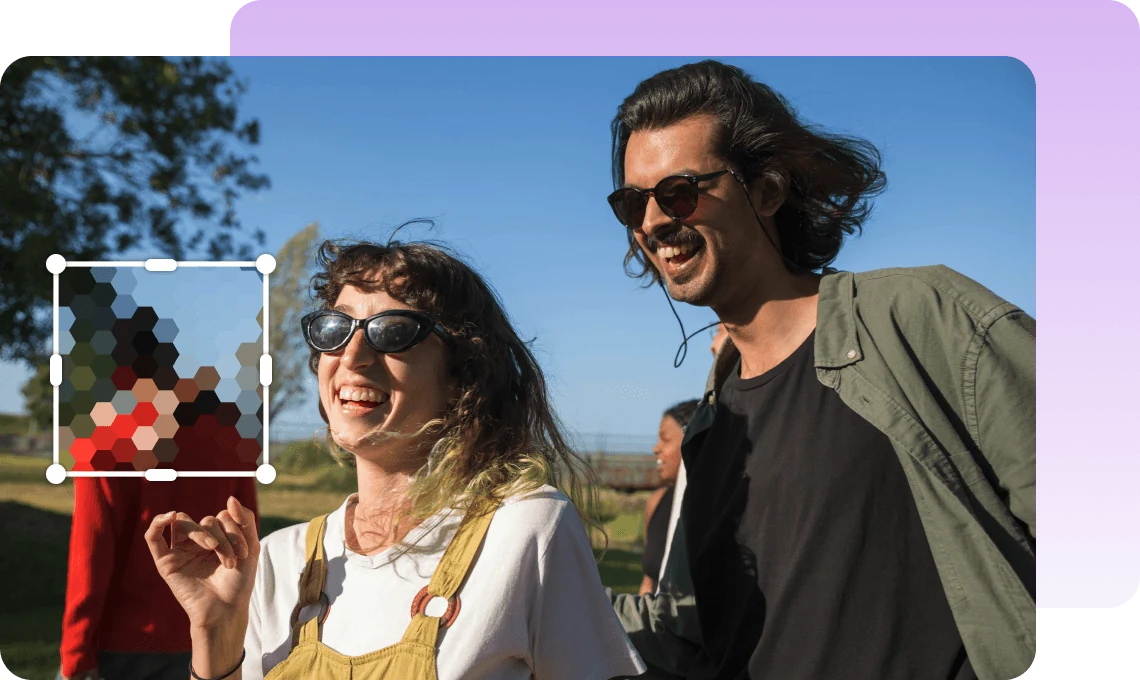
Apply mosaic, triangle, hexagon, or blur styles to create both privacy masks and stylized visuals.
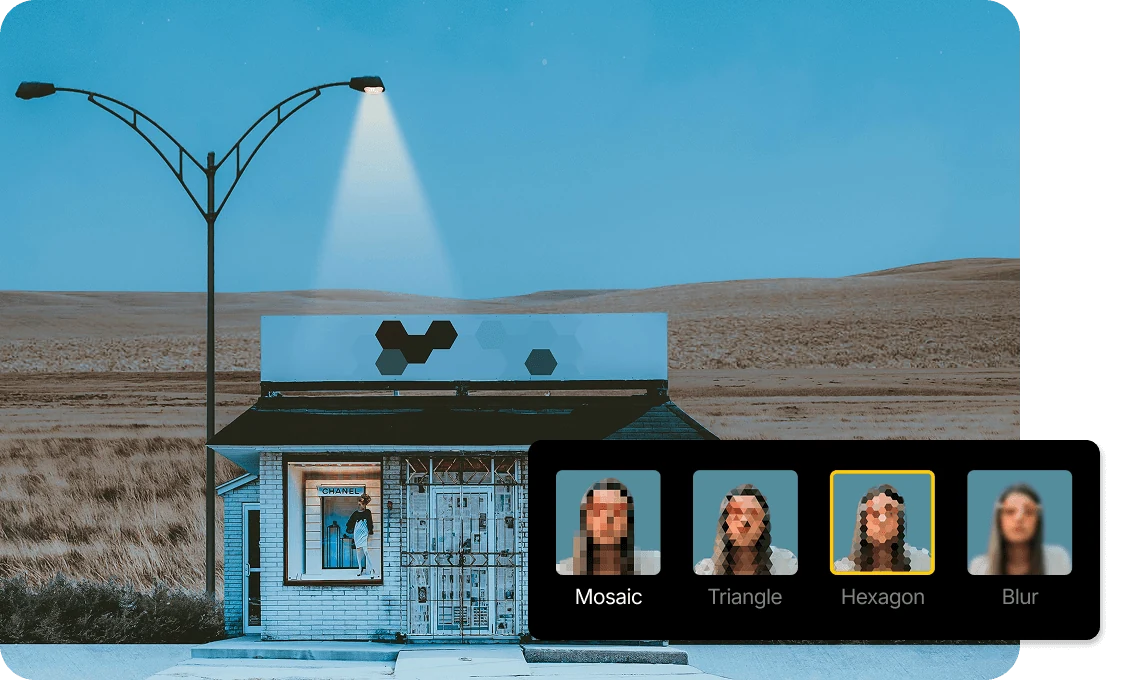
Choose from multiple shapes and adjust size freely to match any subject with precision.
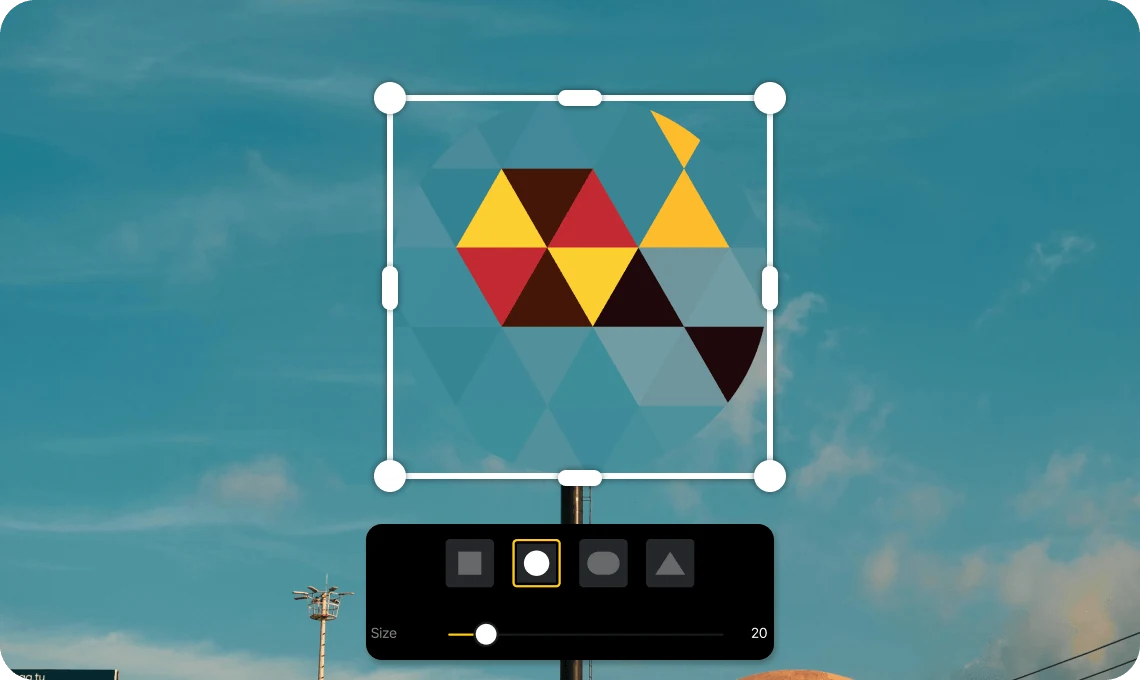
Blur faces or backgrounds for TikTok, Reels, and Shorts. Protect privacy while keeping your visuals clean.

Use mosaic and blur to hide or highlight key elements. Create focused visuals with clean composition.

Hide sensitive details in demos and presentations. Keep your content professional and distraction-free.
Everything you need to know about VN's Mosaic feature.
Mosaic lets you apply blur or pixel effects to specific areas of your video for privacy or creative use.
You can choose from square, circle, rounded rectangle, triangle, and more.
VN supports mosaic, triangle, hexagon, and blur effects.
Yes. You can resize the effect freely to match your subject.
Yes. Mosaic is a core feature in VN and is free to use with no watermark.
Enhance image resolution for sharper visuals.
Generate subtitles in multiple languages instantly.
Remove backgrounds automatically with AI.
Enhance, transform, or create images with AI.
Auto-sync cuts to music beats for perfect timing.
Turn black-and-white images into realistic color.


