
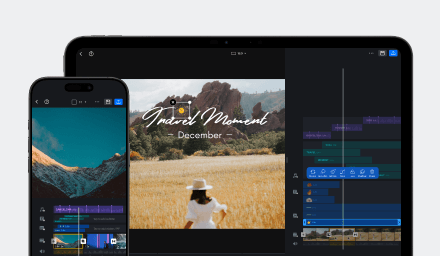
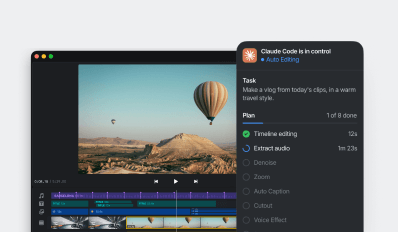



Auto-Edit with Your Agent
Connect Claude Code, Codex, or any MCP agent to VN. Turn raw clips into finished stories, edit your timeline, and polish every frame—just by asking.


From raw clips to final cut—in one chat
Drop in your footage and tell your agent what you want. From daily vlogs to product ads, VN handles the heavy lifting.

Turn my day into a vlog

cafe_01.mov + 5 files
Local files · 248 MB
Use these local clips to make a 30-second vlog with upbeat music.
Read 6 local clips · Worked for 41s
Edited 6 local clips into a 9:16 daily vlog.



Use these local clips to make a 30-second vlog with upbeat music.
AI does the heavy lifting. You add the finishing touch.
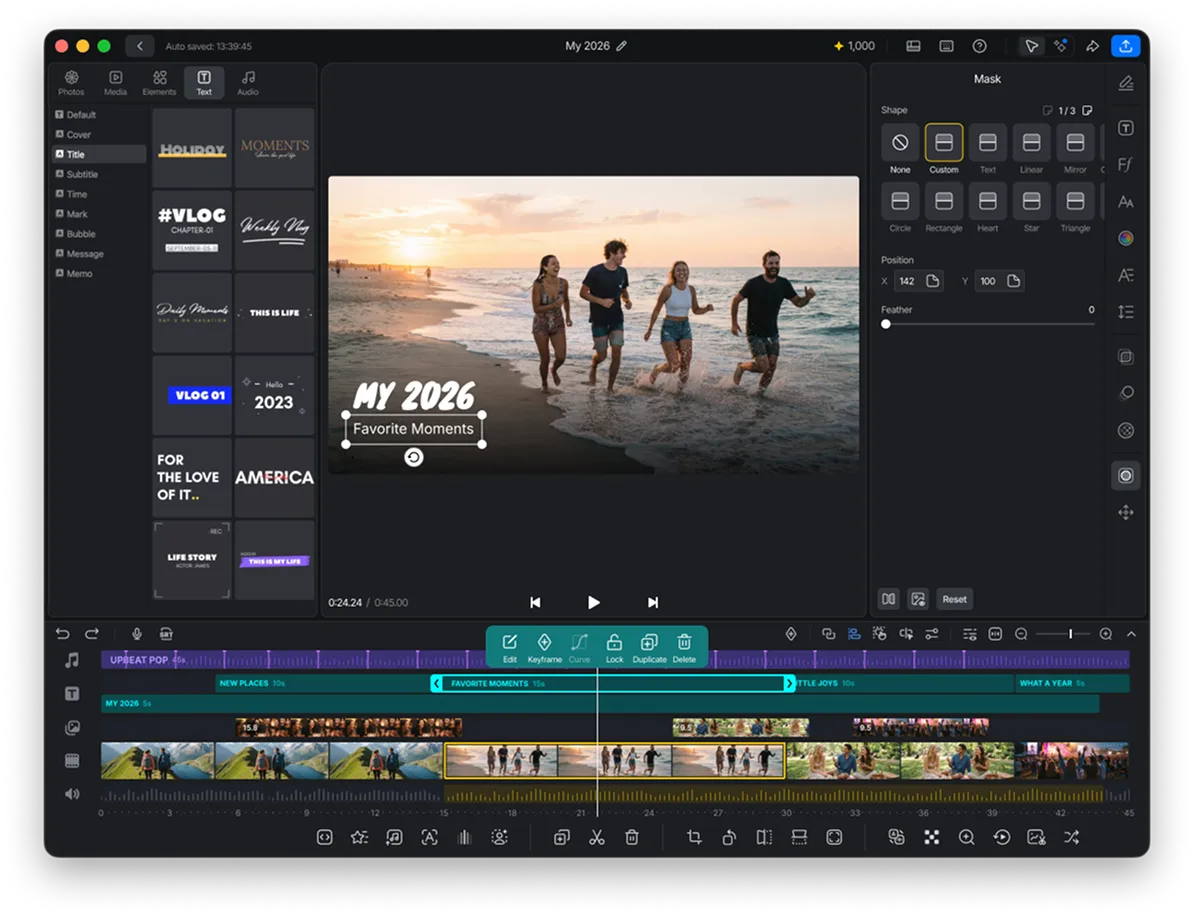
Let your agent handle most of the edit, then jump in anytime for the final touches. Making a small tweak yourself is often faster than explaining it, so you stay in control of the details.
Own the pacing
Trim, split, and rearrange clips freely on the timeline.
Nail the details
Tweak captions, restyle text, and balance audio to match your vibe.
Iterate effortlessly
Edit by hand in VN, or ask your agent for another take.


Connect VN to Your Agent
Works on macOS and Windows. No complex setup required.
Download & Open VN → Auto Edit
Toggle on MCP Server. Keep VN open while your agent is connected.
Add VN to your agent
Open the VN app to copy the setup prompt for your agent.
Start a new chat and confirm VN is connected.
Start creating
Try: "Turn today's clips into a 30-second travel vlog."
Frequently Asked Questions
Connecting your agent, creating, and troubleshooting.
CAWCUT MCP
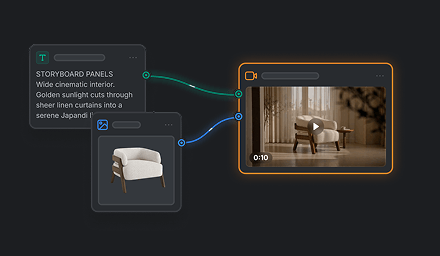
Need fresh footage? Generate it.
Use CawCut MCP to create AI images and video clips on the fly, then drop them straight into your VN timeline.
Create more. Keep editing in VN.