Switch PiP and Main Track
Tap [Forward/Backward] to toggle between PiP and the main track.
Add PiP/Sticker Feature
Tap [Add PiP/Sticker] icon to add images, videos, or stickers for the PiP effect.
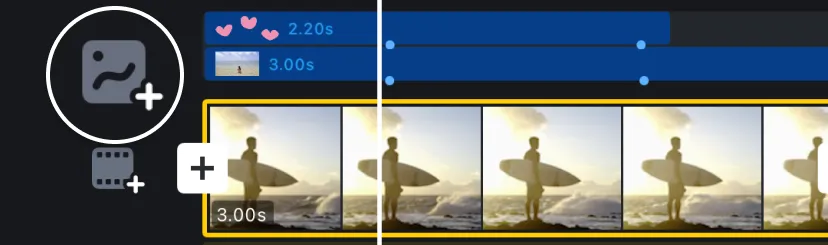
Create a Dynamic Atmosphere with PiP/Sticker in Your Video.
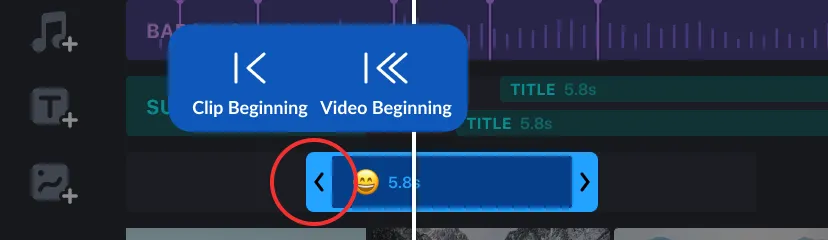
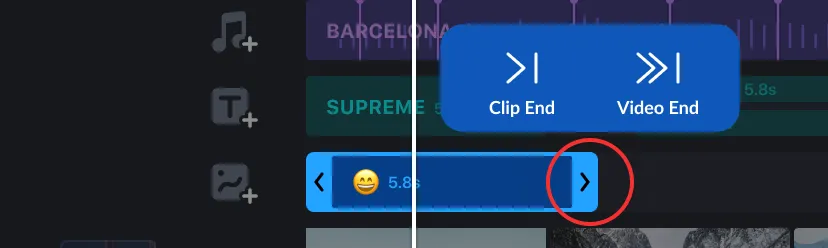
Stickers & Texts Quick Duration Extension
Tap the handle to extend the duration to the beginning or end.
Select In/Out Animation
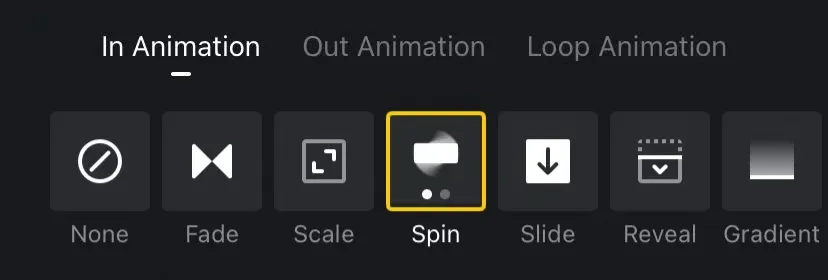
1. Select the text or sticker, then Tap [Motion].
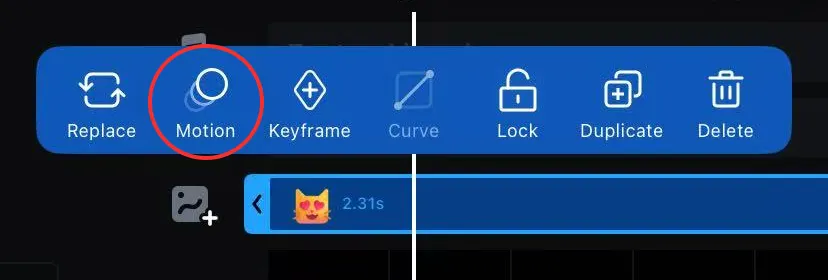
2. Select in/out animation for text and sticker, or Loop Animation.